The Ads Marketplace gives you several ways to manage and control ads on your podcast. Whether you want to limit which podcasts receive ads, avoid certain ad categories, or block specific advertisers — this guide shows you how.
All your ad preference settings are located in Ad Controls. From there, you can manage your preferences across three tabs: Podcasts, Categories, and Ads.
Choose Which Podcasts Receive Ads
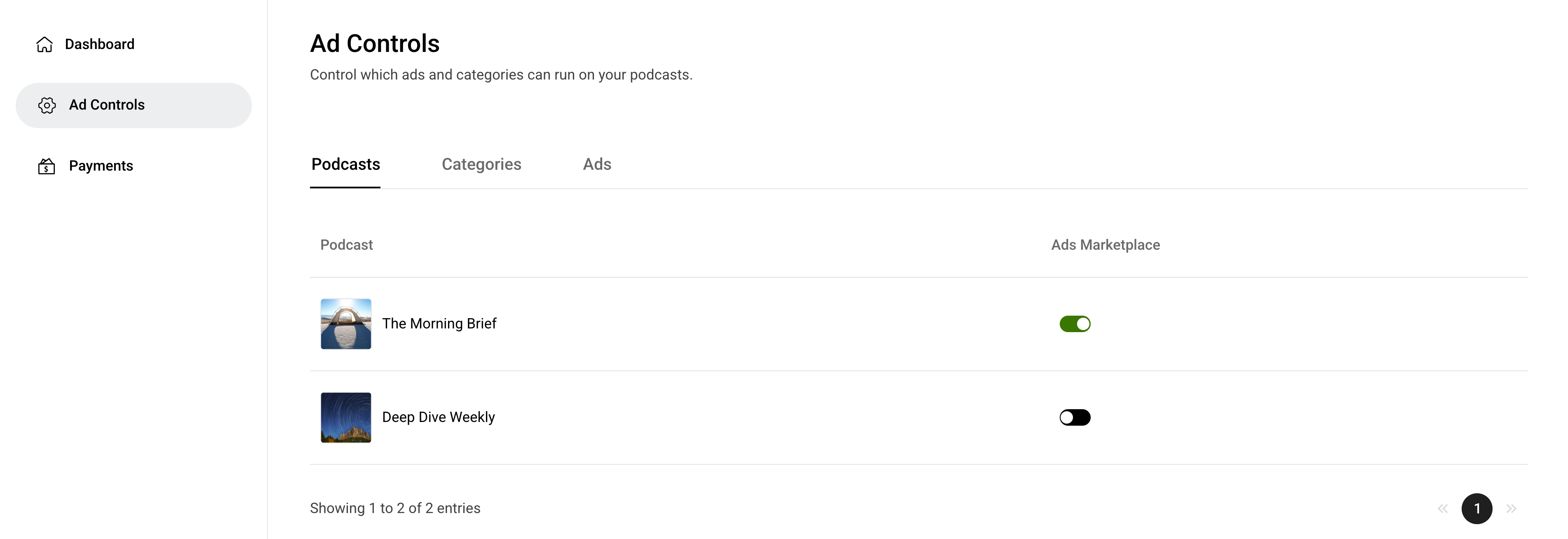
You can decide which of your podcasts participate in the Ads Marketplace — whether you have one or several.
Go to Ad Controls > Podcasts and toggle each podcast on or off. Only podcasts that are toggled on will receive ads.
Manage Sensitive Ad Categories
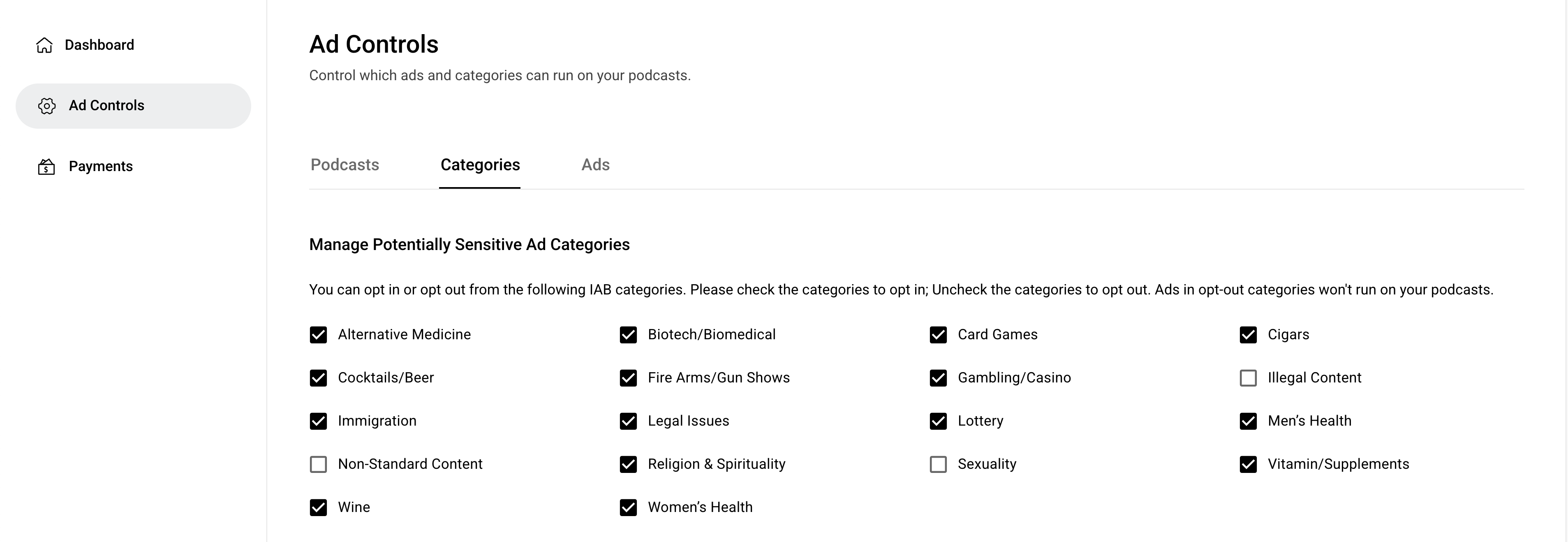
You can choose to opt in or opt out of potentially sensitive ad categories. Once you opt out of a category, ads in that category will no longer run on your podcast.
To adjust your settings, go to Ad Controls > Categories.
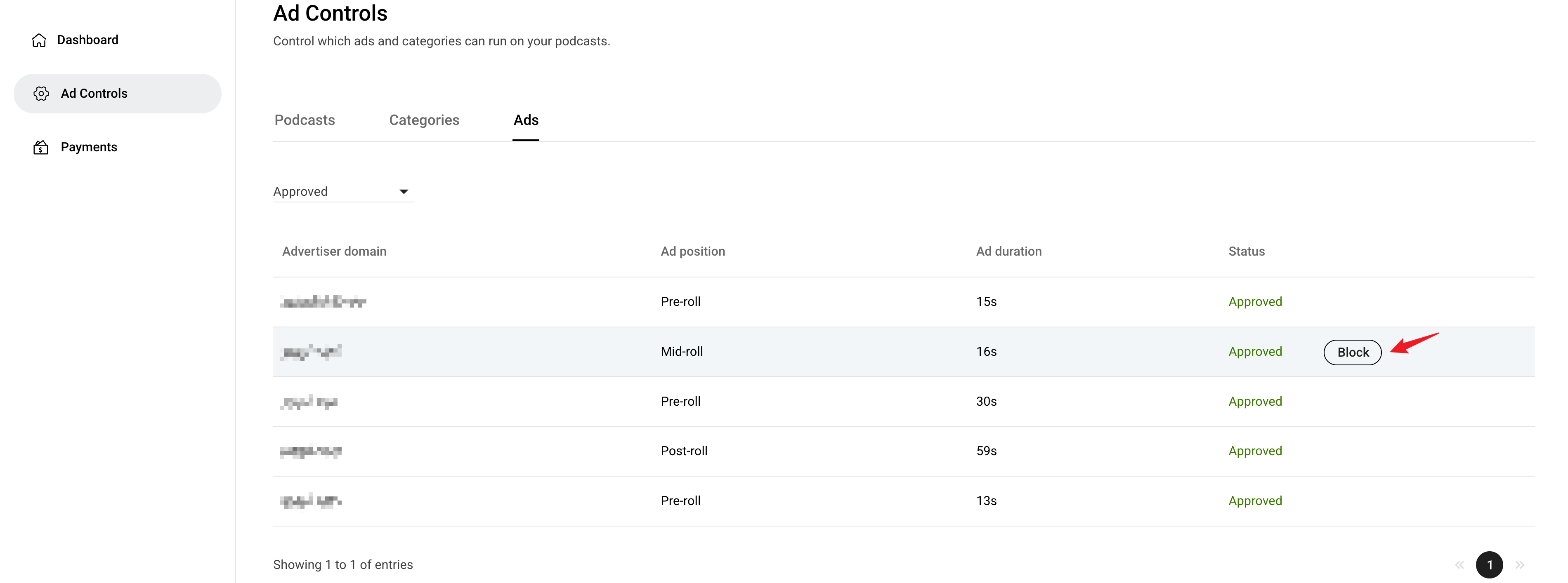
Block Specific Advertisers
The Ad Controls > Ads page provides an overview of advertising activity on your podcast. If there’s an advertiser you’d prefer not to work with, you can block them directly from this page. Once blocked, all ads from that advertiser will stop running on your podcast.